
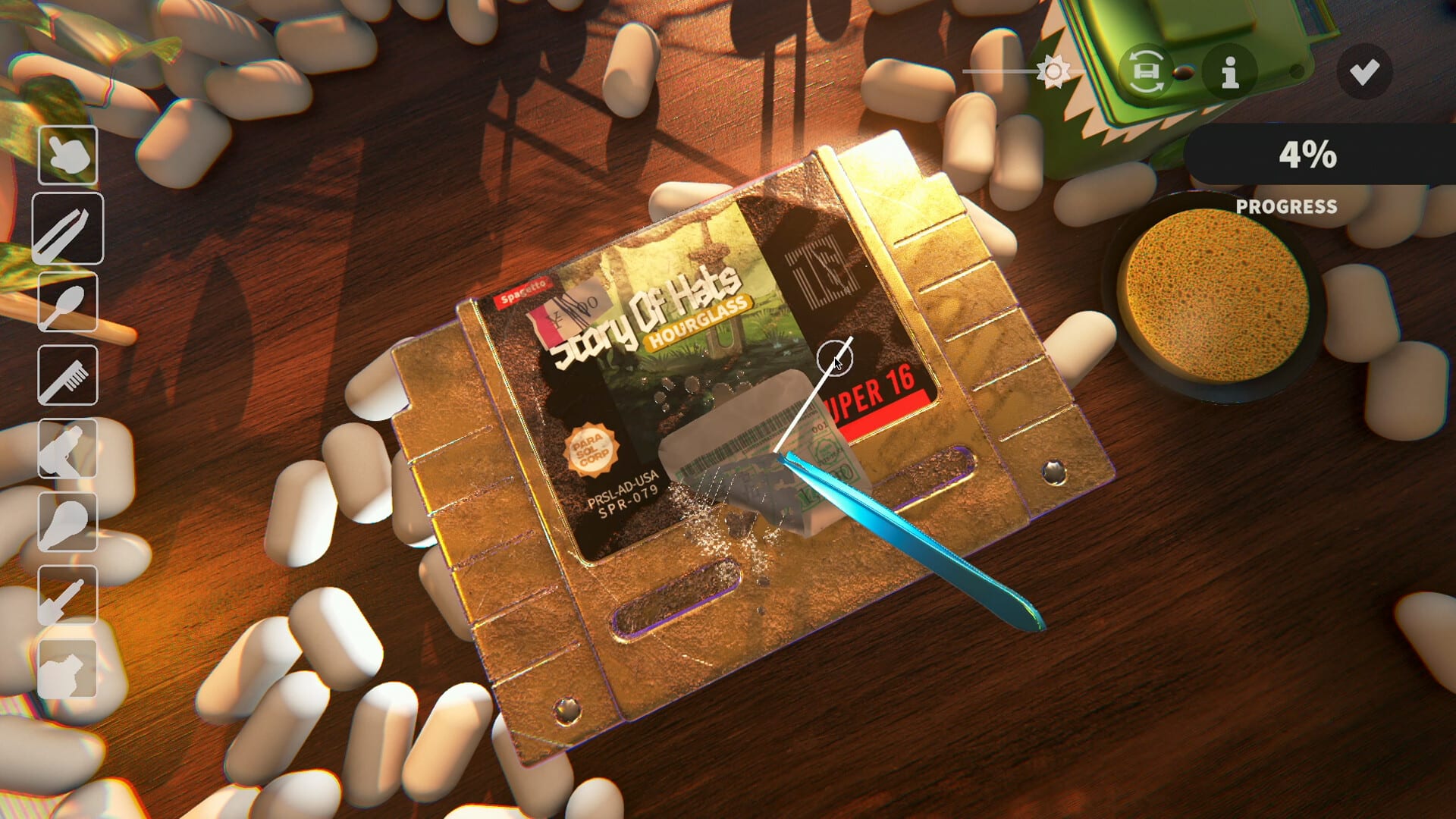
Official screenshot · Steam media gallery · © Parasol Corp. Material statement
Both Chinese interface variants are listed
The main Steam product's language metadata explicitly includes Simplified Chinese and Traditional Chinese. That is stronger evidence of intended in-game support than simply finding a translated description on a store page. It identifies the two interface variants rather than treating all Chinese-language presentation as one unspecified option.
Choose the variant that matches the writing system you want to read when using the documented language selector. The evidence does not establish that one variant is hidden behind a separate paid edition or an additional downloadable package. The settings guide covers the route that the developer documented for selecting the language in the updated demo.
Interface language and full audio are different fields
The researched Steam record marks full audio support for English, without advertising Chinese full audio. A Chinese interface therefore should not be described as a Chinese voice track or a promise that every spoken element has been dubbed. Keep the feature field attached to what the publisher actually lists.
The same caution applies to claims about complete translation quality. A supported interface entry is not independent proof that every cartridge label, piece of artwork, or possible menu string has been reviewed in this research. This guide confirms the advertised languages and the developer's implementation note without adding an unsupported guarantee about every text asset.
Demo Patch 6 confirms localization in the trial
The developer's Patch 6 notes explicitly list both Chinese variants among the localizations added to the demo. That is useful because the separate demo metadata still shows an older English-only language field in the research. The detailed patch describes implemented demo behavior and is more specific than that stale product field.
This explains why two official records can appear inconsistent without establishing that Chinese is unavailable. The main product language list and the later demo patch agree on Chinese support, while the demo's general metadata has not caught up in the checked snapshot. Use the detailed version information rather than choosing the older field solely because it is attached to the trial app.
How the documented language choice works
Patch 6 says the game attempts to localize automatically at startup. It also identifies a small gear icon as the route to the language menu, allowing the player to choose a language manually. That gives users a documented fallback when the automatically selected interface is not the variant they want.
The research establishes that route for the updated demo, not an independently tested screenshot walkthrough of every full-release settings screen. It does not establish an exact hotkey or require changing the Steam client's language as the verified in-game solution. Follow the Chinese settings article for the practical steps and the relevant version boundary.
A translated storefront is not the same as the game setting
The official Simplified Chinese Steam page helps identify the legitimate game and its localized product presentation. However, reading that page in Chinese is a storefront action, not the same thing as selecting the interface inside the installed game. Use the game's supported-language record and developer notes when deciding what the installed product offers.
This distinction is important if you open a Chinese store link and then find a different language at startup. Patch 6's automatic detection and manual selector explain the documented game behavior, while the storefront URL controls a separate presentation. The evidence does not justify promising that a particular store query parameter will change an already installed game's interface.
Old missing-glyph reports are version-specific
Earlier demo notes describe a fix for non-English characters appearing as pink squares. That historical rendering problem is relevant to screenshots or reports from older builds, but it does not establish that the current supported Chinese interface requires a fan-made font package. Compare the build date before treating an old missing-character image as the present state of localization.
If text still fails to render in your version, describe the selected Chinese variant and the exact screen where the problem appears. A localized store description, a cartridge's artwork, and the game's menu text are different contexts, so a precise report helps avoid a broad but inaccurate conclusion. The patch guide explains why built-in support should be checked before searching for unverified replacement files.
Keep translation participation separate from installation
The developer has linked a translation contribution workflow and referred players to the community for language-related participation. That is a way to help improve wording, not evidence that an executable Chinese patch must be downloaded to enable the advertised interface. A spreadsheet or translation form should not be presented as an installer.
The official Discord guide helps identify the developer's community when you want to submit a specific correction. Include the variant, current wording, screen, and version rather than assuming that an entire language is absent. This is practical feedback guidance, not a claim about a particular private channel name or a guaranteed response time.
What to check before choosing the game
If Chinese text is important to your decision, the verified facts are the two listed interface variants and the documented updated-demo selector. Full Chinese audio and a complete quality guarantee are not established by those facts. Check the current official language fields when making a purchase because this article records a dated research snapshot rather than a promise that future builds never change.
The demo download page explains the official trial if you want to learn the game before getting the main product. It keeps the three-day, seven-game limit separate from localization and explains the developer's announced save reset. Once you are in the game, use the manual language route for the desired variant instead of treating a different storefront, unofficial package, or creator video as the required solution.
Keep the support claim tied to its source
The supported-language field establishes the advertised interface options, while Patch 6 establishes a concrete implementation note for the updated demo. Those are different kinds of evidence that reinforce the same limited conclusion without proving every possible translation detail. A general gameplay video or a localized store description adds context, but does not replace the developer's language-specific record.
If a future build changes the menu or translation coverage, assess the new note against the exact issue rather than assuming all earlier language information becomes false at once. The selected variant, type of text, and version remain useful distinctions when comparing reports. This lets the guide answer whether Chinese is supported while directing more specific settings or rendering questions to the pages that actually address them.
Sources and version notes
This guide synthesizes the research checked on November 4, 2026. Demo changes and preview observations are identified in the text; this site does not claim independent gameplay testing.
Found an outdated detail? Send a correction with the game version and the relevant source.