
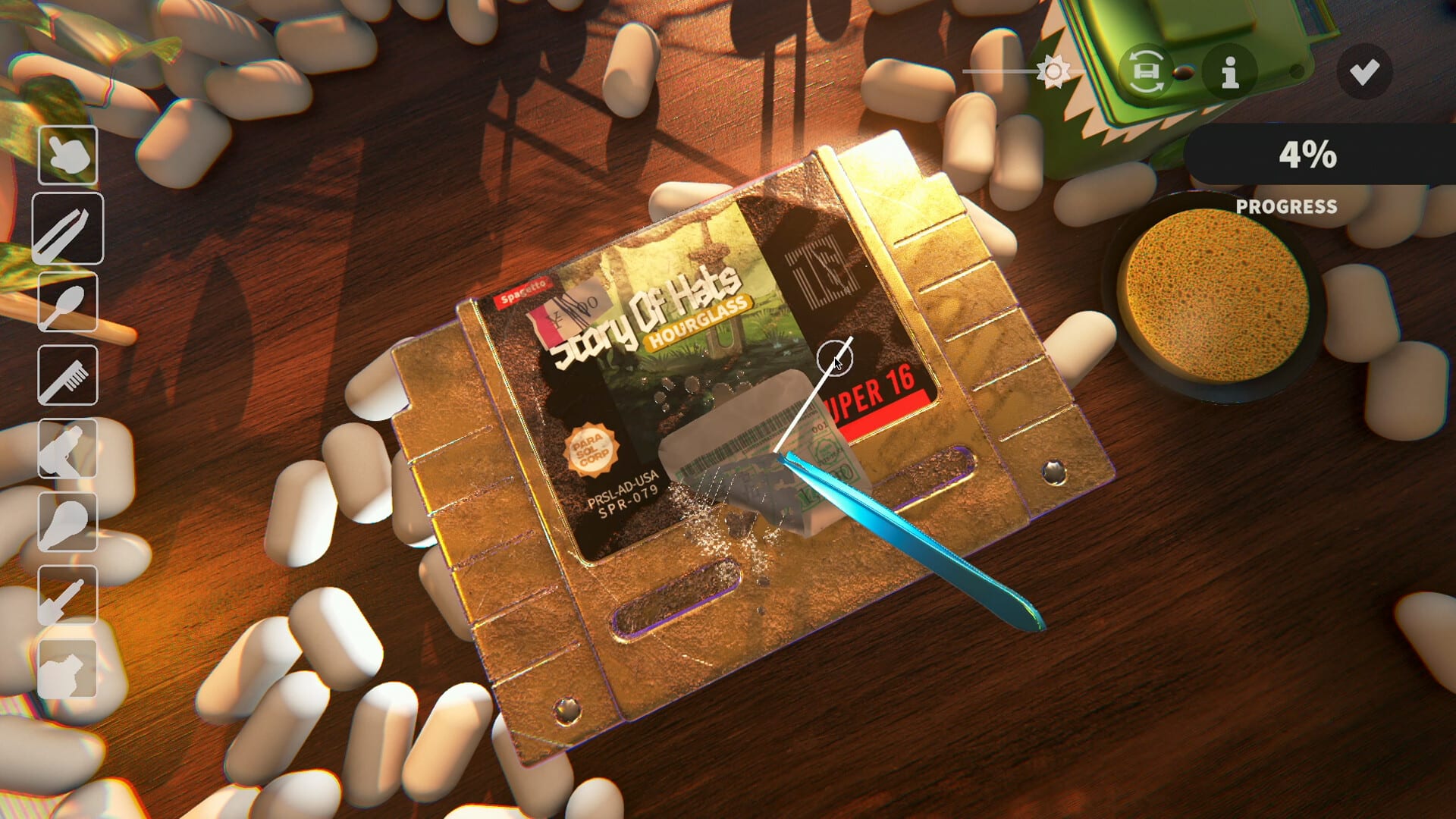
Official screenshot · Steam media gallery · © Parasol Corp. Material statement
Built-in localization answers the main patch question
The full-game Steam metadata lists both Simplified and Traditional Chinese as interface languages. Demo Patch 6 separately confirms both variants in the trial and explains how to access language selection. Those official sources support using the game's localization rather than treating a fan translation download as a prerequisite.
This is a specific answer about the advertised Chinese interface, not a claim that every conceivable community translation would serve no purpose. The research does not evaluate every future translation project or guarantee the quality of every line. It establishes the built-in support and does not verify an external patch required to enable it.
Update the demo before looking for extra files
The October demo changed localization across several patches. Patch 3 fixed non-English glyph rendering, Patch 4 still listed more localization and language selection as remaining work, and Patch 6 documented the expanded language support and selector. An older build can therefore explain why a guide or screenshot shows a less complete interface.
Checking the version is more directly supported than installing a guessed font archive or replacing a DLL. None of those manual file procedures is established by the supplied evidence. If you are following advice written before the language selector was documented, compare it with the later official patch rather than assuming a separate package must be missing from the installation.
Pink squares describe an older rendering problem
Demo Patch 3 explains that non-English characters had appeared as pink squares because the glyphs were not being built correctly. The developer reports fixing that problem in the patch. Older screenshots can therefore document a real historical issue without proving that the current supported interface needs a third-party font download.
If you still see missing characters, record the game version, the selected Chinese variant, and the affected menu or text. That provides a more precise report than assuming the fix requires an unofficial archive found through a search result. The source establishes the historical fix, but not a universal repair procedure for every later rendering problem.
Separate language support from Chinese audio
The researched product language list advertises Chinese interface support, while full audio is marked for English. Enabling the Chinese interface should not be described as installing a verified Chinese voice pack. A claim about text localization does not establish a different audio track or a downloadable dubbing package.
The same boundary applies to completeness claims about cartridge labels and artwork. This research does not verify that every visual text element has been translated or assess every phrase for quality. The Chinese support page explains the advertised feature fields without converting them into a guarantee about all content in every build.
Translation sheets are contribution tools
The developer's site links a workflow for helping translate the game. That invitation concerns localization contributions, not an executable patch or a required installation step for ordinary players. A spreadsheet, form, or community discussion can support translation work without being software that enables the Chinese interface.
Use the official route if you want to suggest a correction, and identify the exact text and variant involved. The Discord guide explains how to verify the developer's community instead of assuming a gameplay creator's invitation is the same destination. This guide does not invent the names of private translation channels or promise that any submission will be accepted immediately.
Evaluate external patch claims separately
No third-party Chinese patch package was independently verified in the supplied material. That means this page cannot recommend a specific archive, font replacement, mod loader, or installation directory as tested. A title promising a Chinese patch does not establish that the file is official or necessary for the support the developer already lists.
If a future community project is announced, it needs its own source, version, purpose, and compatibility evidence. Do not assume that a package for another restoration game applies to Cozy Game Restoration because the names or themes resemble each other. The mods status page uses the same distinction between a generic claim and an identifiable verified release.
A useful order for solving the language problem
Start with the official product, identify whether you are using the demo or the main game, and check which version is installed. Then use the documented selector for the Chinese variant you want and inspect the particular screen that prompted the question. This sequence addresses the verified language support without adding an unsupported dependency on third-party software.
If the problem remains, report the missing selector, untranslated text, or glyph rendering issue with a screenshot and version rather than requesting an unspecified patch. Those are different problems and may need different explanations, even though they all lead players to a similar search phrase. The built-in language evidence is clear enough to answer the immediate patch question while leaving unverified packages out of the download path.
Distinguish an update from a separate translation package
An official demo update can add or repair localization without being a separate fan patch the player must find elsewhere. The researched sequence of glyph fixes, pending selection work, and Patch 6 language support describes that kind of developer update. Calling every language-related update a downloadable Chinese patch can obscure the simpler documented route through the official product and its settings.
When an old guide uses the word patch, check whether it means the developer's normal update or an external translation release. Those interpretations lead to different actions, and only the official localization route is verified here. Keeping that wording precise helps avoid an unnecessary search for files when the actual task is selecting one of the game's supported interface variants.
Sources and version notes
This guide synthesizes the research checked on November 4, 2026. Demo changes and preview observations are identified in the text; this site does not claim independent gameplay testing.
Found an outdated detail? Send a correction with the game version and the relevant source.