
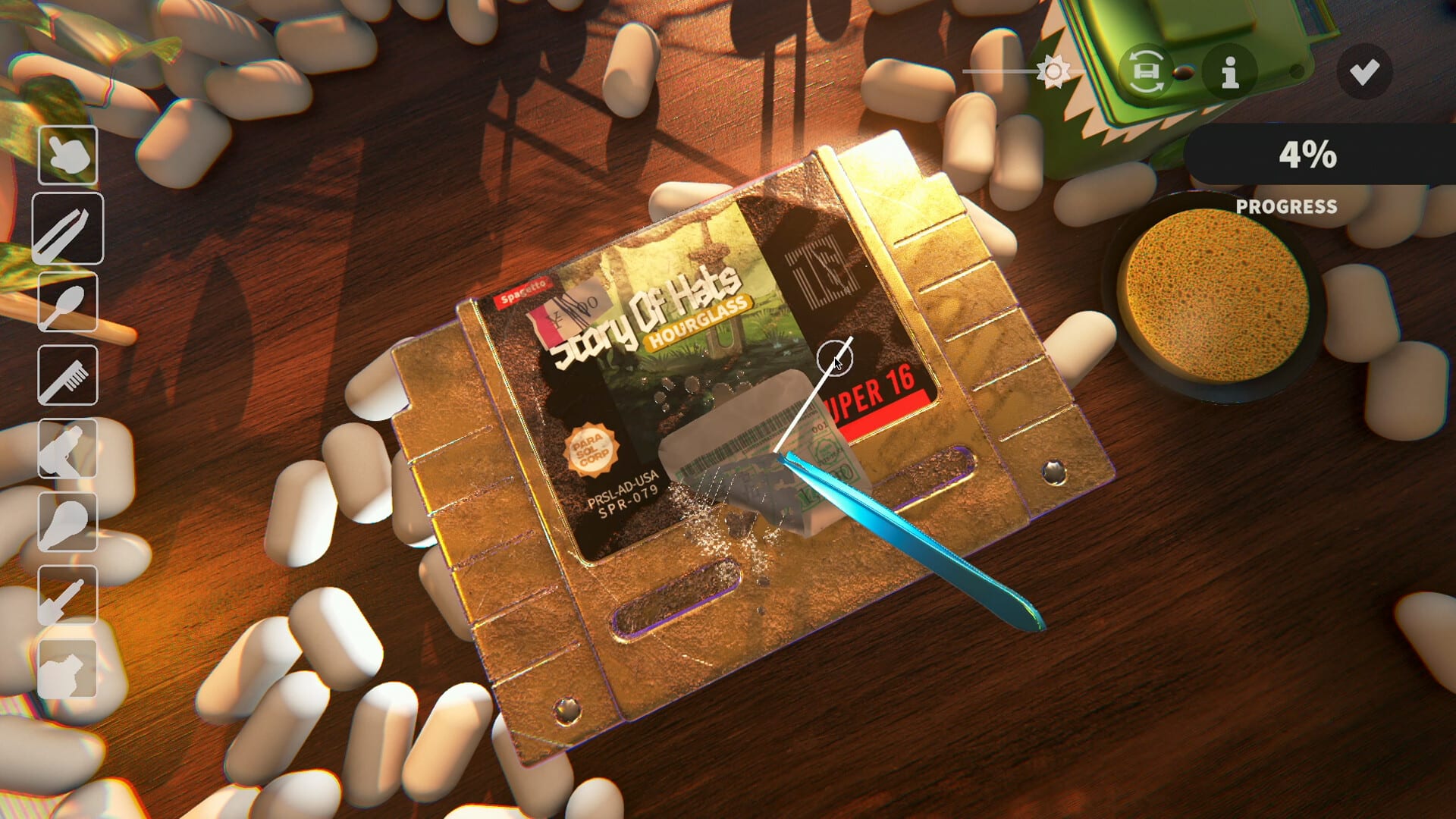
Official screenshot · Steam media gallery · © Parasol Corp. Material statement
Start from the developer's website
The official game website provides a Discord link in its navigation or footer, giving you a publisher-controlled starting point. Follow that route when you need the current invitation rather than relying only on an old copied link. The supplied research found agreement between the website, developer announcements, and Discord discovery about the community identity.
The public discovery page is also a useful destination when you want to inspect the server before joining. It describes a community for discussing the game's development, sharing feedback, and talking about player experiences. This guide does not claim to have joined the server or tested access to every channel behind a Discord account.
Verify the server identity
Discord's directory identifies the game community as Cozy Game Restoration with server ID 1121726145088475218. The game identity and official-site connection are more durable checks than a member total captured on one day. Membership and online counts fluctuate, so this guide does not use them as a permanent measure of authenticity.
A familiar game name on its own is not as strong as a link from the actual developer. Confirm the route through the official site and the public discovery description when an invitation looks unfamiliar. That approach avoids depending on a renamed screenshot, a copied server description, or a changing count as the sole evidence that you reached the right place.
A creator's Discord can be a different community
The research found gameplay-video descriptions containing invitations for the creator's own audience. Those links can be relevant to the video channel without being official game support destinations. A video about Cozy Game Restoration does not make every community link underneath it an invitation to Parasol Corp's server.
Keep the distinction clear when asking for game feedback or localization help. The official website and developer's announcement identify the game community, while a creator's description identifies the community they chose to promote. This guide uses the developer-linked invitation instead of substituting a more visible creator link from a popular stream.
What the official community is documented for
The public server description emphasizes discussing development, suggestions, feedback, and player experiences. The developer's final-demo preview also directs players toward the community for translation-related participation. These are verified purposes of the community, unlike a complete internal channel map that the supplied research did not obtain.
The guide therefore does not invent staff names, private-channel titles, moderation rules, or guaranteed response times. Joining the server is not a promise that every request receives an immediate developer reply. Use the information available in the server itself for its current organization and posting requirements rather than assuming the layout in an old screenshot is permanent.
Prepare a useful cleaning or progression question
When asking about a gameplay problem, identify whether you are using the demo or the main product and include the game version. Describe the item and the exact point in the loop where you are stuck: a cleaning layer, shelf placement, the end-day door, or the trial boundary. This is practical reporting advice, not a claim about an undocumented required support form.
For a nearly finished clean, include the individual layer values and whether autocomplete is enabled rather than only the overall percentage. For progression, include the current day and whether you may have reached the three-day demo cap. The 99 percent guide and beginner guide can help you distinguish those questions before posting.
Report localization problems with the right context
Demo Patch 6 documents both Simplified and Traditional Chinese and a gear-icon language selector. If you need help with missing text or an unexpected language, specify which variant you selected and which menu or screen is affected. Include the version so that an older glyph problem is not confused with the current localization state.
The developer-linked translation workflow is separate from downloading an executable language patch. The Chinese settings guide explains the documented selector, while the Chinese patch article separates built-in support from unverified third-party packages. A precise report about the affected string or screen is more useful than assuming the whole language is unsupported.
If an invitation does not open
The invitation endpoint required JavaScript during the research, and successful joining behind an account was not tested. A failed automated preview is therefore not enough to establish that the official invitation has expired. Return to the developer's site for its current link and use the public discovery page to check the community identity.
This guide does not invent a universal account workaround or offer an unofficial mirror as a replacement official server. Discord access and joining can depend on the service's current interface and your account state. If the invitation still cannot be used, the official Steam discussions remain a separate documented game community destination to inspect.
Keep game support separate from site corrections
The Discord described here belongs to the game community, while this wiki is an independent fan site. A correction to this site's wording can be sent through its Contact page with the relevant source and page URL. Questions about actual game behavior should identify the build and use the official game's community route rather than assuming the wiki operates developer support.
For unverified mod claims, the mods status page explains what the supplied sources do and do not establish. For learning the restoration loop, start with the beginner article and then ask a specific follow-up if needed. Using the right destination and a clear question makes the community link more useful than treating it as a generic promise of an instant fix.
Keep invitation verification separate from support promises
Confirming the official server establishes the destination, not a guarantee about what happens after you join. The researched discovery page describes community purposes, while the available material does not document every internal rule, access requirement, or response schedule. Read the server's current information for those details instead of assuming that an invitation is an appointment with the developer.
That distinction is useful if you are comparing a public discussion thread with a private server conversation. A verifiable public patch note can support a published gameplay claim, while a server's existence alone cannot verify a specific answer or a rumored release plan. Use the official community as a route to relevant information and feedback, while keeping the source and version attached to any factual conclusion you later rely on.
Sources and version notes
This guide synthesizes the research checked on November 4, 2026. Demo changes and preview observations are identified in the text; this site does not claim independent gameplay testing.
Found an outdated detail? Send a correction with the game version and the relevant source.