
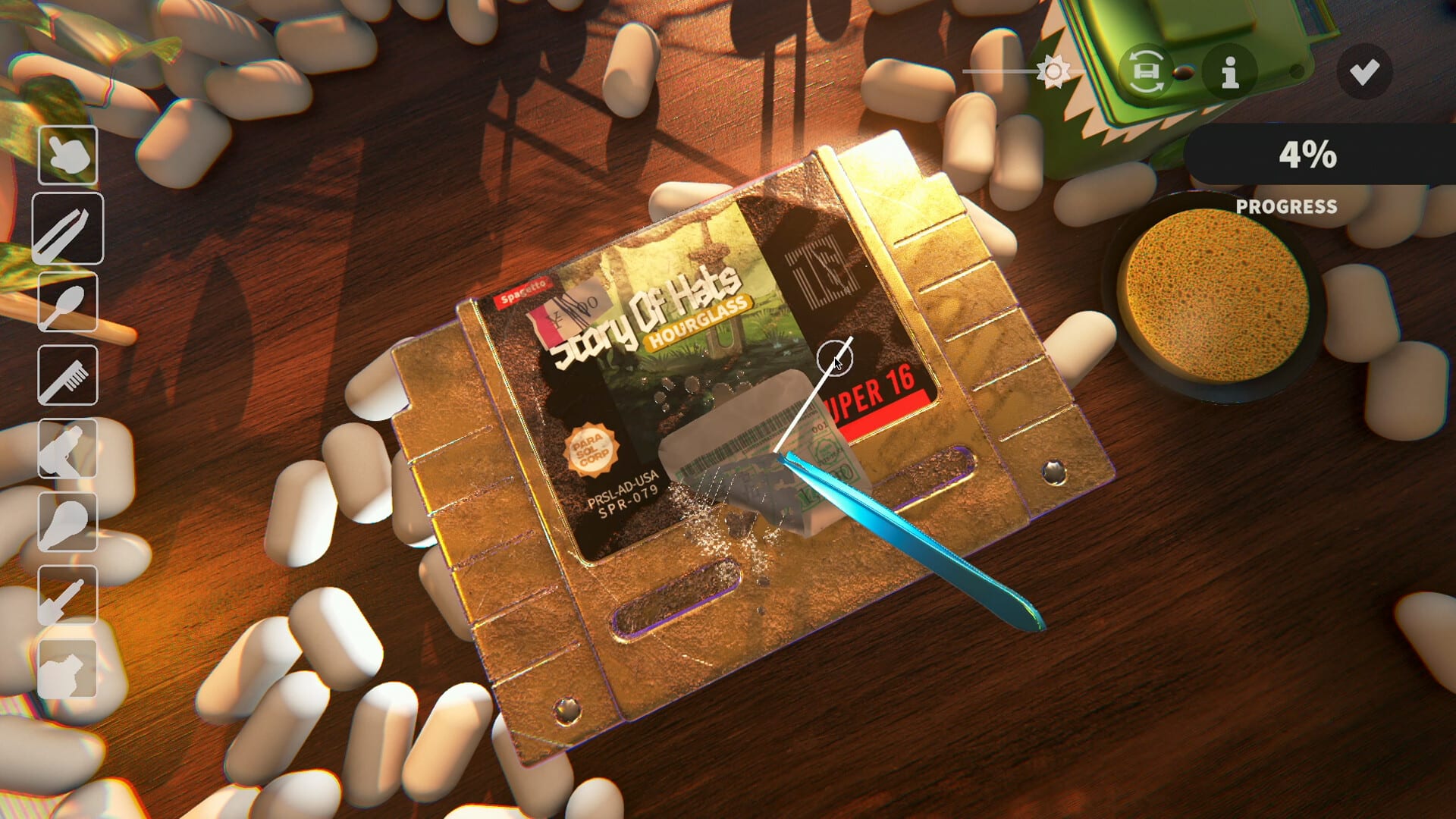
Official screenshot · Steam media gallery · © Parasol Corp. Material statement
Choose Simplified or Traditional Chinese
Both Chinese variants are listed in the main product's language record and in the developer's demo localization note. Select the writing system you want to use instead of treating Chinese as one ambiguous setting. The evidence does not indicate that one variant requires a separate paid product or an additional third-party installer.
The distinction is useful when reporting a translation issue as well as when changing the interface. A correction to Simplified Chinese wording is not automatically the same issue in Traditional Chinese. Include the selected variant and the affected screen if you need community help so the question is about the actual setting you are using.
Automatic startup selection has a manual alternative
Patch 6 says the game attempts to localize automatically on boot. That explains why some users may see a localized interface before manually choosing a language. It also provides the gear-icon menu as a way to select the language yourself rather than depending on the initial automatic result.
The source does not describe every input used for detection or promise a particular fallback order for all systems. This guide therefore does not infer a registry setting, configuration-file edit, or mandatory change to the operating system. Use the documented manual selector when the automatic result does not match the variant you intended.
Check the demo version if the selector is missing
The language menu was still listed among remaining work in the October 4 demo notes, while Patch 6 later documented access to it. That sequence matters when an older guide or video does not show the same control. Confirm the installed demo version before concluding that Chinese support has been removed or that the product needs a separate patch.
The demo's standalone metadata also retained an older English-only language field in the researched snapshot. The later detailed patch and the main game's language list provide more specific evidence for the available Chinese localizations. The Chinese support guide explains why those records should not be treated as equally current descriptions of implemented demo behavior.
Missing characters and an untranslated screen are different
Demo Patch 3 fixed non-English characters appearing as pink squares. That is a rendering issue described by the developer, not simply the result of choosing the wrong Chinese variant. Compare the build and the actual visual symptom before interpreting every language problem as a missing translation package.
An interface that remains in another language is a different observation from text that is selected correctly but cannot render its glyphs. Record which screen is affected and whether other text in the chosen language appears normally. Those details make a support report more useful without pretending that this research has established one universal repair for every later localization problem.
Store language does not replace the in-game setting
Opening Steam's localized store can change the language of the product page you are reading. It does not, by itself, document the exact action required inside an already installed copy of the game. The official Simplified Chinese product page is useful for identifying the localized storefront, while Patch 6 is the source that establishes the in-game menu route.
Keep that separation clear if a store link opens correctly but the game still starts in a different language. Return to the gear-icon selector rather than assuming that adding a language parameter to the store URL is a game-settings fix. The research does not verify that changing the Steam client's language is the necessary or sufficient solution for the documented demo interface.
Know what this setting does not establish
The advertised support is for Chinese interface text, while the researched full-audio field is marked for English. Selecting Chinese should not be described as enabling a verified Chinese dubbing track. The sources also do not establish a guarantee that every cartridge artwork label or individual text element is translated without omissions.
A language setting is therefore not evidence that a separate voice pack or font archive must be downloaded. The Chinese patch guide explains the built-in localization and the absence of a verified third-party package in the supplied research. It keeps the supported interface separate from files and installation procedures that the evidence does not establish.
Report a remaining problem precisely
If the selector or chosen language still behaves unexpectedly, include whether you are playing the demo or the main game, the version, the selected variant, and the affected screen. A screenshot of the exact text is more informative than a broad statement that Chinese does not work. These are practical reporting details rather than a claim about a required form or private support channel.
The official Discord guide helps identify the developer's community, and Steam discussions provide another official game-specific destination. If you have not installed the trial yet, use the demo download page for the verified Steam route and content limits. Keeping product, version, and language choice separate makes it easier to determine whether the issue is an old demo, automatic selection, a missing selector, or a specific text problem.
Compare instructions at the same version boundary
The gear-icon route is a specific claim from Patch 6, so compare it with guidance written for that updated demo rather than with an earlier screen from a playtest. Earlier localization work and later support can both be real without describing the same interface state. The relevant question is which evidence matches the product and build you are running.
This also explains why the guide does not offer a fabricated screenshot sequence for an untested full-release layout. The documented control is enough to provide a practical starting point, while a precise report can establish how your current screen differs. Keep that difference concrete instead of replacing a missing menu observation with an unsupported file edit, hotkey, or third-party language download.
Sources and version notes
This guide synthesizes the research checked on November 4, 2026. Demo changes and preview observations are identified in the text; this site does not claim independent gameplay testing.
Found an outdated detail? Send a correction with the game version and the relevant source.